

xl

lg

md

sm

xs

DocuWare Document Management

Your Documents Connected. Your Information Within Reach.

Bring Structure to Your Business Documents

When records are spread across inboxes, shared folders and filing cabinets, finding reliable information takes time and slows everyday work.

Organised Records With Reliable Control

DocuWare combines document capture, indexing, search and access controls in a central digital repository. Authorised colleagues gain a shared place to find and work with employee, customer and operational records.

Key Benefits

Make Information Easier to Find and Manage

Capture Information Consistently

Bring scans, emails and imported files into DocuWare, using indexing to organise records for retrieval.
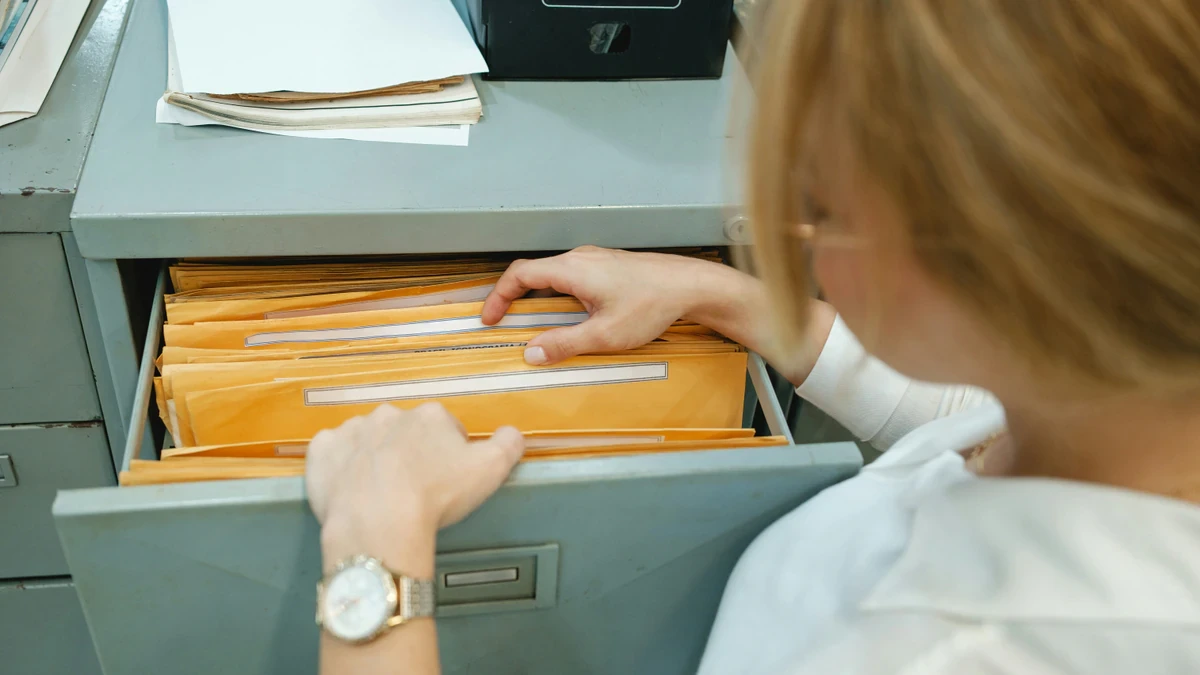
Find the Right Record Quickly

Search by reference, document type or date, or use full-text search to locate information within documents.

Keep Changes Traceable

Use version control and audit trails to maintain visibility of document changes and activity.

Control Sensitive Access

Apply permissions according to roles and responsibilities, supported by retention rules for consistent record keeping.
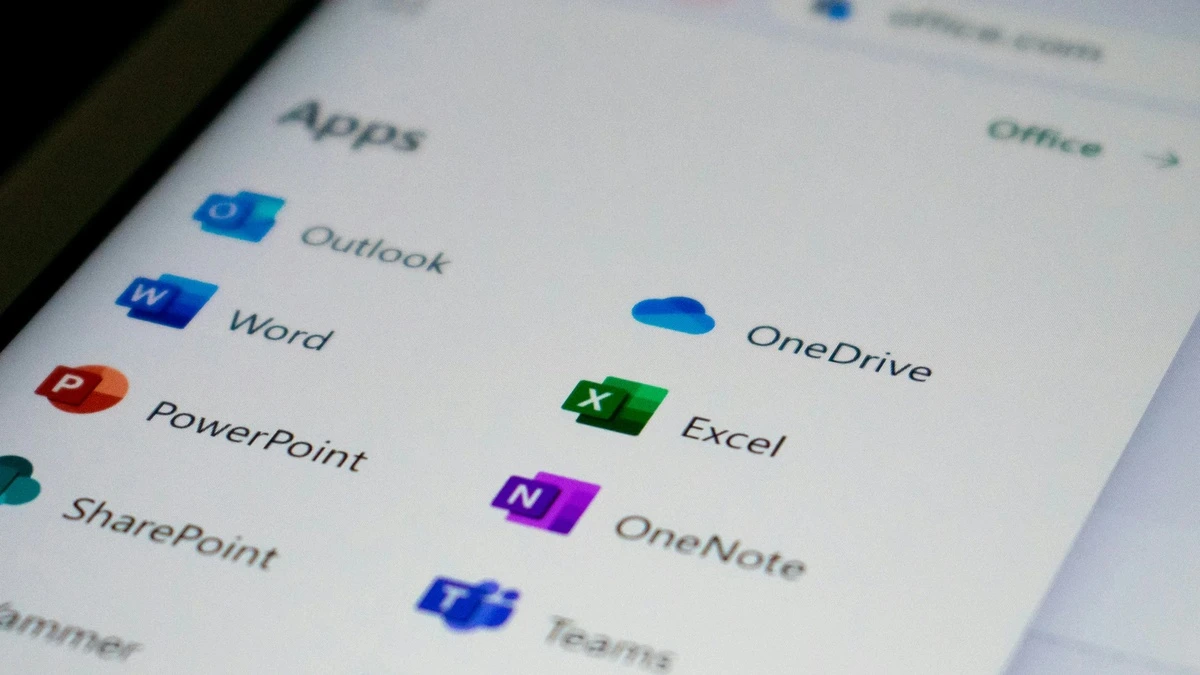
Connect Everyday Applications

Use available integrations with Microsoft Outlook and other business systems to support existing working routines.

Support Records Across Teams

Organise employee files, customer correspondence, policies, operational records and digital archives in one controlled environment.

Your Questions Answered

DocuWare Document Management FAQs

What Is DocuWare?

DocuWare is a document management and workflow automation platform. It helps organisations capture, store, find and control business documents, with tools for managing access, tracking versions and maintaining records of activity.

How Is DocuWare Different From a Shared Drive?

A shared drive provides a place to save files. DocuWare adds structured capture, indexing, document search and controls around versions, access and retention. These capabilities help teams apply a consistent approach to managing records across the organisation.

Can DocuWare Manage Scanned Paper Documents?

Yes. DocuWare can capture scanned documents and use optical character recognition (OCR) to make their text searchable. Indexing adds useful details, such as a reference number or document category, to support retrieval.

Can We Control Who Sees Particular Documents?

Yes. DocuWare supports permissions that restrict access according to users’ roles and responsibilities. This helps you make records available to the people who need them while limiting access to sensitive information.

Is DocuWare Available in the Cloud?

Yes. DocuWare offers cloud and on-premises deployment options. Vision can discuss which approach best fits your organisation’s IT environment and document management requirements.

Does DocuWare Integrate With Our Existing Software?

DocuWare offers connections with Microsoft Outlook and a range of business applications. The appropriate integration depends on the systems you use and what you want to achieve. Vision can help you explore the options for your environment.

How Much Does DocuWare Cost?

Contact Vision for a quote based on your requirements. Your deployment choice, users, capabilities and integration needs will help define the scope of the solution.

See What Better Document Management Could Look Like

Organise information, retrieve records and maintain greater control over your business documents.